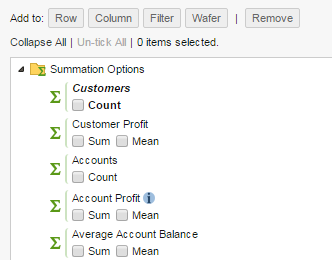
By default, SuperWEB2 displays a Range button next to the summation options that allows users to create custom ranges or quantiles based on that summation option:
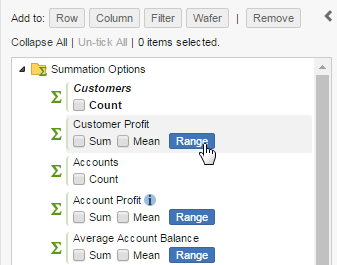
If you do not want to allow users to access the options for creating ranges, you can disable this button:
-
Open <tomcat_home>\webapps\webapi\WEB-INF\classes\configuration.properties in a text editor.
Make a backup copy of this file before making any changes.
-
Locate the following section:
XMLtable.enableUdfCreation=
-
Set
table.enableUdfCreationtofalse:XMLtable.enableUdfCreation=false
-
Save your changes and restart Tomcat or the SuperWEB2 service.
-
Log in to SuperWEB2 and confirm that the Range button no longer displays: